
Annex C. Tcl Backend Binding
A Tcl binding is available in the "backend_tcl”
sub-directory. To make on Unix:
For Windows, a Microsoft Visual C++ project file is available at
"backend_tcl\zint_tcl.vcxproj". Note that this assumes that
Tcl/Tk is available in "C:\Tcl" and that the libraries are
named "tclstub.lib" and "tkstub.lib" - change
to match your setup. There is also a Visual Studio makefile available at
"backend_tcl\win\makefile.vc", which can be run with
nmake - for details see
"backend_tcl\win\README.txt".
Once built and installed, invoke the Tcl/Tk CLI
"wish":
and ignoring the Tk window click back to the command prompt
"%" and type:
which will show the usage message, with options very similar to the
Zint CLI. (One notable difference is that boolean options such as
-bold take a 1 or 0 as an
argument.)
A demonstration Tcl/Tk program which is also useful in itself is
available at "backend_tcl/demo/demo.tcl". To run type:
which will display the following window.
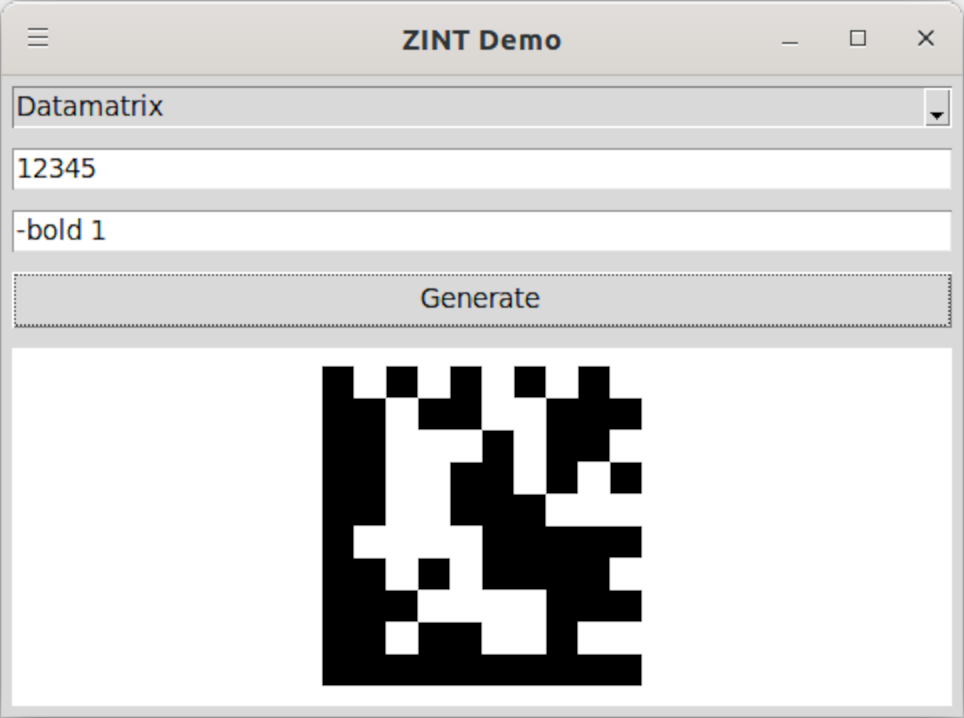
You can select the symbology, enter the data to encode, and set
options (which are the same as those given in the usage message). The
raster preview of the configured barcode is updated when the
"Generate" button is pressed.